

A topic cluster connects a broad pillar page with in-depth supporting articles. Choose one focused topic, answer a specific question on each supporting page, and link the pages to help readers move between them.
You don’t need 30 posts before this becomes useful. For small niche websites, I like a manageable first content cluster: one pillar and three to five supporting pages. Start with a topic you can keep working on, even when life gets busy.
Key Takeaways
- Give each page one distinct search intent so similar articles don’t compete.
- Connect every supporting page to its pillar, then add useful links between related articles.
- Measure search visibility, movement between pages, and business results before expanding.
1. Pick a Pillar Topic for One Reader
Your pillar page covers one complete topic at overview level. Supporting pages handle the details.
Choose a subject with room to grow
“Gardening” is a lot to take on. “Balcony vegetable gardening for beginners” gives you a reader, a setting, and a problem you can help solve.
HubSpot’s Leslie Ye suggests a topic broad enough for 20 to 30 posts. HubSpot’s cluster planning guide recommends three to five pillar candidates. Those are planning ideas, not a publishing quota. Choose one candidate first.
Pick something you know enough about to explain clearly. Consistently covering a focused subject may build topical authority over time, but it doesn’t guarantee rankings. Also consider the time needed for research, photographs, and updates. A topic that needs constant attention may be a poor fit for your schedule.
Start with your existing content and goal
Run a simple content audit in Google Sheets before planning new posts. Sort existing posts by Awareness, Interest, Desire, and Action (AIDA), then mark the content gaps. You’ll see whether everything explains a problem but nothing helps someone choose a solution.
If your goal is passive income, connect the cluster to a useful offer through a niche website marketing funnel.
Set a SMART goal to keep your small site’s content strategy focused: specific, measurable, achievable, relevant, and time-bound. Five email signups within 90 days is a target to work toward, not a traffic promise.
2. Research Search Intent Before Collecting Keywords
Find the questions people ask
Start your keyword research with Google autocomplete, People Also Ask, and Search Console queries if your site already gets impressions. Read relevant discussions, too. Readers often describe their problems differently than keyword tools do.
Write down each question and what the reader wants: instructions, a comparison, troubleshooting, or something to buy. A spreadsheet can hold those notes and long-tail keywords for specific, detailed searches that basic tools may miss. You don’t need a subscription to organize six pages.

Compare results before trusting a score
Search each question and look at the results. Product listings suggest shopping intent. Step-by-step articles suggest someone wants instructions.
Compare the first few results for related phrases. When the same pages keep appearing, those phrases may belong on one page. When one search returns buying guides and another returns tutorials, separate them.
Semrush’s Personal Keyword Difficulty metric estimates ranking difficulty for your domain. PKD % runs from zero to 100. Higher numbers mean reaching Google’s top 10 is harder for your site.
Use that alongside intent and relevance. I wouldn’t let a score choose the whole direction of a website.
3. Map Your Content Cluster Before Writing
Group related searches into cluster content when one page can satisfy them together. “Growing vegetables on a balcony” and “balcony vegetable gardening” belong together. Give each distinct search need its own page among the cluster pages. A detailed question about watering containers needs a narrower answer.
Semrush recommends mapping one keyword cluster to one page to clarify which page should rank or be cited. Yoast also recommends checking for keyword cannibalization, where similar pages compete for the same searches. A coherent set of useful pages adds depth on one subject and can build topical authority without guaranteeing rankings.
Use “Balcony Vegetable Gardening for Beginners” as the pillar. Here’s a practical pillar and cluster plan.
| Supporting page | Related searches | Priority |
|---|---|---|
| Choosing balcony planters | Balcony planters, vegetable containers | First |
| Soil for container vegetables | Container soil, balcony potting mix | First |
| Watering balcony vegetables | Watering frequency, dry container soil | First |
| Vegetables for shady balconies | Low-light vegetables, shady balcony crops | Later |
| Easy balcony vegetables | Beginner vegetables, small-space crops | Later |
The first three pages address practical setup and care questions. The later pages can grow as readers ask for more help.
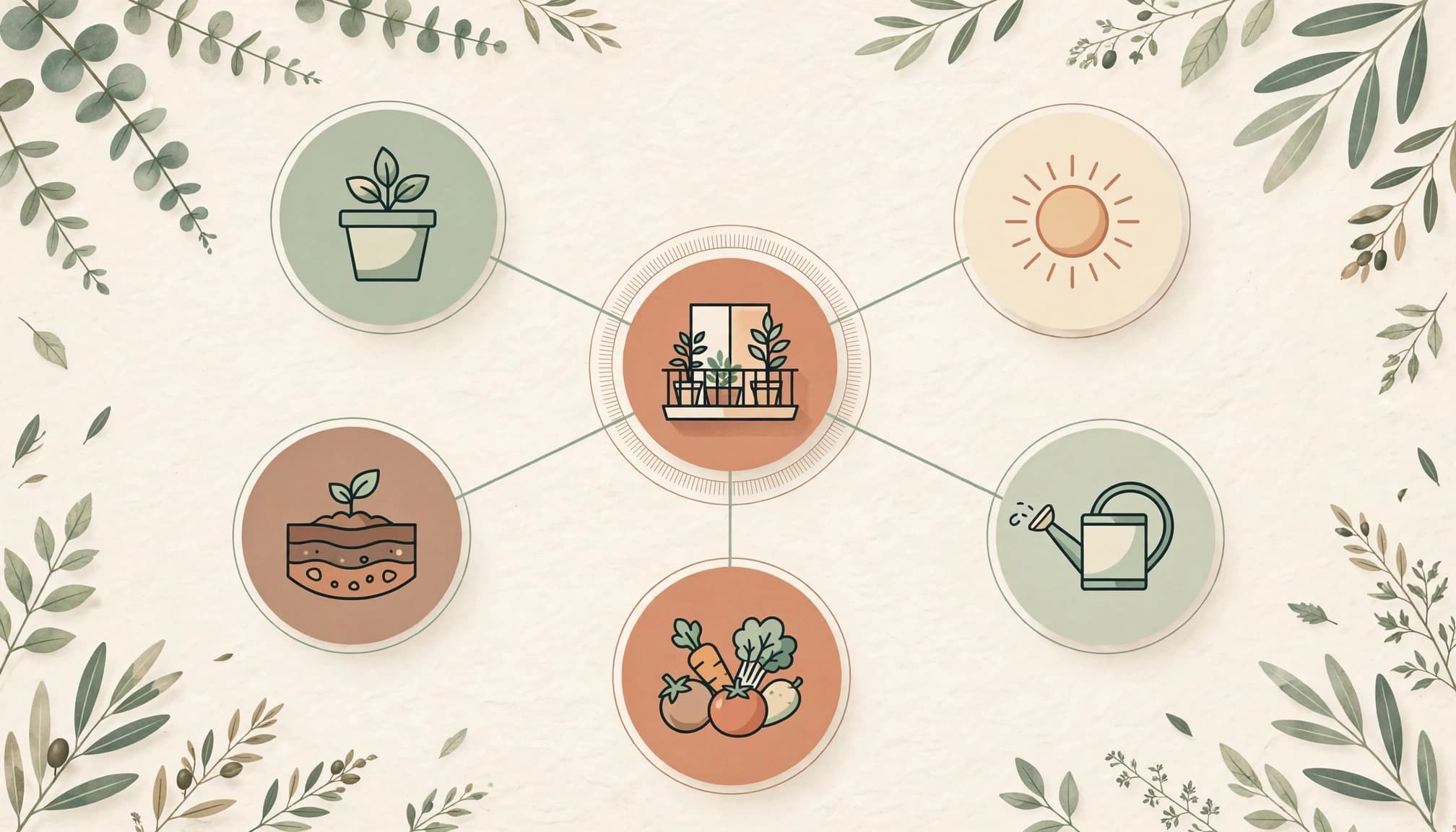
Every supporting page links back to the pillar. The pillar introduces each subtopic briefly and links to its full guide.
In your spreadsheet, add the planned URL, main question, related keywords, and links each page needs. Give every page a one-sentence purpose. If two purposes sound identical, sort that out before writing both.
4. Connect Pages With Helpful Internal Links
Place links where the question comes up
Place links where the next question comes up. This improves the user experience by helping readers find a related answer.
In the pillar’s container section, write, “Our guide to choosing balcony planters explains the options.” Link the words “choosing balcony planters” to that supporting page.
On the planter page, link “balcony gardening guide” back to the pillar. Add a soil-to-watering link where moisture retention comes up.
These cross-links should help with the next question and give readers a clear path through your site structure. You don’t need to send everyone on a tour of your entire blog.
Use a starting rule, not a link quota
Use descriptive anchor text for internal links, usually two to five words. That also gives mobile readers something easier to tap.
For each supporting page, start with one contextual pillar link and one or two relevant sibling links, when available. The pillar should link to every important supporting page. These are working guidelines, not Google’s required link counts.
Links outside the cluster are fine when they’re useful. A relevant composting article doesn’t become off-limits because it belongs to another topic.
Google’s crawlability guidance calls for standard HTML anchor elements with an href attribute. Normal WordPress text links usually handle this. These links may help search engines discover and understand related pages, and may pass link equity. Reader navigation remains the primary reason to place them. Don’t rely on a JavaScript-only button or a category archive to connect everything.
5. Publish a Small, Complete Cluster
Write a useful pillar page first, even if it doesn’t cover every possible detail yet. Don’t publish empty sections or links to pages that don’t exist.
- Improve any existing article that already answers a planned supporting question.
- Publish the missing page your reader needs most urgently.
- Add the next supporting article, then use internal linking to connect the pillar and relevant supporting pages.
If you have three hours a week, finish one page of cluster content before starting another. A realistic schedule protects the work better than an ambitious calendar you dread opening.
Use our quick article SEO checklist before publishing. Keep the site fast and mobile-friendly, and avoid loading full posts or oversized images on every archive page.
For affiliate content, recommend products where they help someone decide, and disclose the relationship. Helpful coverage comes before filling every paragraph with a purchase link.
Then use one content marketing channel your audience already uses to share the article, whether that’s Pinterest, an email list, or a relevant community. You don’t have to be everywhere.
6. Measure and Improve the Whole Cluster
Save a baseline before changing existing pages. Then review results monthly, without expecting a brand-new page to prove itself immediately.
Track visibility and reader movement
In Search Console, record impressions, clicks, queries, and indexed URLs for the pillar and supporting pages. These page-level results show whether the cluster attracts relevant organic traffic. Compare consecutive 28-day periods and review the combined cluster, not only its strongest post.
Use GA4 Path exploration to see movement between pages. Track signups, affiliate-link clicks, or purchases as key events where appropriate. These actions need suitable tracking configured.
If impressions grow but clicks don’t, review your titles and search-intent match.
Semrush Position Tracking monitors Google rankings, AI Overviews, and ChatGPT positions for the same target terms. Without a paid tool, repeat five relevant prompts monthly. Record the date, engine, and exact cited URL.
A brand mention isn’t a page citation. Record whether the answer links to your pillar, a supporting article, or neither.
Fix overlap before adding more
If two pages target the same intent and split visibility, combine their useful material. Keep the stronger URL and use a 301 redirect for the retired page.
Merge a thin supporting page into the pillar when it can’t justify a separate answer. Two URLs appearing for similar queries doesn’t automatically mean they should be merged.
Siteimprove recommends cluster reviews every six to 12 months. HubSpot suggests at least twice yearly for evergreen topics and quarterly for fast-moving ones.
Where AI Search Fits Into Your Plan
Google’s milestones include Hummingbird (2013), RankBrain (2015), BERT (October 2019), MUM (May 2021), and AI Overviews (May 2024). Search systems have become better at interpreting meaning and connecting related questions.
Google says AI Overviews and AI Mode may use query fan-out to search related subtopics and data sources. These related searches give supporting pages a role in answer engine optimization, but a content cluster doesn’t guarantee citations.
HubSpot’s State of AEO 2026 found higher AI citation rates correlated with outbound links, statistics, author bios, and visible update dates. Correlation doesn’t establish cause.
Use relevant sources and honest author information, and update dates when the content changes. These practices support E-E-A-T but don’t guarantee rankings or citations. Adding a statistic just to look credible won’t make the answer more useful.
FAQ
How many supporting pages do I need?
Start with three to five if that’s what you can maintain. Add another when it answers a genuinely different question.
Can a small website have several clusters?
Yes. Finish and review one first. As your content grows, four or five pillars may make sense, but unfinished clusters multiply the maintenance work.
Do I need a paid SEO tool?
No. Google Sheets, Search Console, and GA4 cover planning and basic measurement. Paid tools can speed up keyword comparisons, but they won’t decide what your reader needs.
Build One Cluster You Can Keep Improving
I like a plan for a content cluster that makes the next decision easier. One clear pillar, a few useful supporting pages, and thoughtful links give you that starting point.
Map your first topic’s questions before writing another post. You can expand when the connections work and the next gap is clear.


0 Comments